
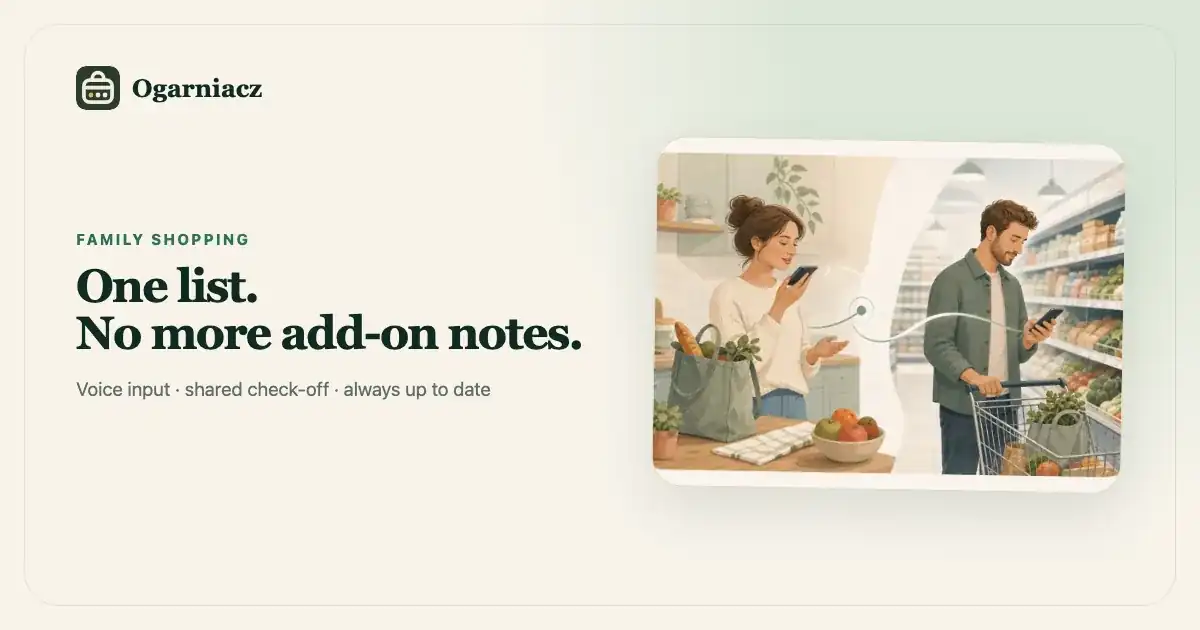
You are already at the checkout. The phone vibrates: "And also milk, trash bags and, I think, toothpaste." The milk is on the other side of the store, the bags were two aisles ago, and the words "I think" mean no one checked the bathroom cupboard.
At home, it had seemed harmless. Someone saw the last roll of bags, but had their hands full. Later, someone remembered the milk, sent a message and considered the matter handled. However, the person in the store was using an older list saved in their notes.
The problem wasn't any one person's memory. There were simply three different shopping lists.
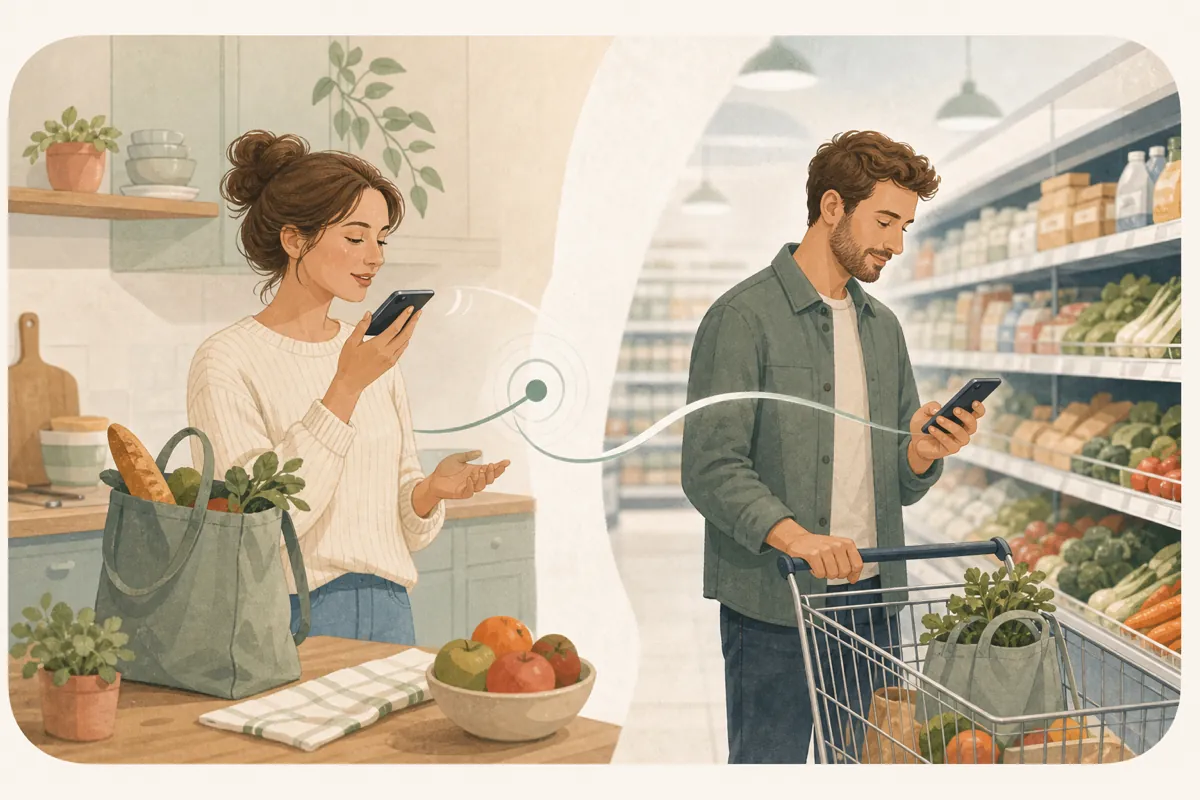
A better scenario takes a few seconds: a family member adds three items to the shared list instead of sending a separate message. When both people are online, the person in the store sees the current status before approaching the checkout. Without a connection, the app may show an older copy; Notes and Shopping changes are not yet held for later sync. When several needs are gathered before leaving, a whole new list can be created with one short recording.
One shared list is a rule, not a feature
Synchronization won't help if some items still end up on paper, some in chat messages and the rest in one person’s private app. The most important agreement is:
If something is to be purchased, it goes on a shared list - not just a "remember to..." message.
This doesn't mean one giant list for your entire life. In Ogarniacz you can maintain separate daily lists, for example "Lidl" or "Drogeria", and online lists, such as "Allegro" or "To order". It is important that there is one up-to-date list for a specific store or occasion.
A four-step routine
1. When you notice something is running out
You add the product immediately, not when you "make a list". A carton of milk goes on the list when the last one is opened, and dishwasher tablets go on the list when only a few remain. Thanks to this, you do not have to walk around the entire home later trying to remember what is missing.
2. When you start with several things at once
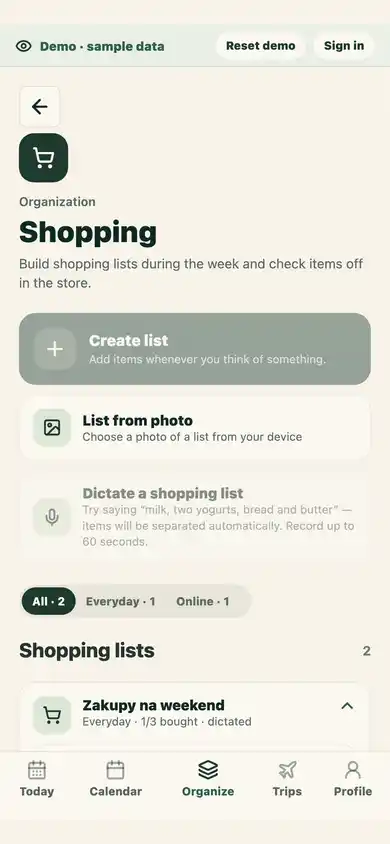
You can create a new list with your voice or dictate more items into an existing list. One short recording can be broken down into separate items, for example: "lactose-free milk, bananas, children’s toothpaste and 30-litre trash bags". Check the added items afterwards, especially brands, numbers and unusual names.
If you have a list on a piece of paper, select the option to add from a photo in Shopping or take a photo with your camera. Ogarniacz will recognize products and quantities, but will show them for correction before creating the list. Illegible or handwritten items will be flagged for review; the photo is not stored as history and the record only includes approved items.
A shopping list can contain up to 200 items, and each item name can be up to 200 characters. Create another list if you need more room. If dictation exceeds an existing list's limit, remove excess items in review; the rest are added to that same list. For other limit errors, the app explains the issue and keeps the text so you can correct it.
Photo and voice recognition results belong to the current screen and family. If you leave the screen or change account or family during analysis, the result will not be applied. Start the import again when you return.
You can cancel while a voice recording is being prepared or captured. Cancelled audio is not sent for analysis.
3. When someone is in the store
They check off each product as it goes into the cart. The second caregiver sees the change and does not have to ask whether the item has already been purchased. If the other person remembers another product, they add it to the same list instead of sending a parallel message.
4. After returning
Purchased items can be removed in one action, while unpurchased items stay open for next time. There is no need to rewrite what is missing in the store or what you deliberately decided not to buy.
What is worth saying in the recording?
Dictation works best when what you say sounds like a list rather than a conversation with yourself.
Good:
Rye bread, two milks, children’s toothpaste, thirty liter trash bags.
Less well:
You know what, I think we should buy the milk we usually take, and maybe something for sandwiches.
Say the product name and the feature that really distinguishes the correct variant. If quantity is important, include it in the same sentence. After transcription, you can correct each item manually.
The recording is used to create a one-time text list. It does not remain as a file for later listening.
How many lists does a family need?
Usually fewer than you might expect. A sensible set might look like this:
- "Daily" - nearest store and things currently running out;
- "Drugstore" - items purchased less frequently;
- "To order" - online shopping, which should not be mixed with going out to buy bread;
- "For a trip: Gdańsk" - items missing from the packing list.
Don't create a separate list for each product category. The division is supposed to correspond to where or when you shop, and not to reflect the layout of the entire supermarket.
Scenario: Shopping starts a few days before the store
On Wednesday, one person creates an "Everyday" list using their voice: dish soap, milk and breakfast products. On Thursday, the child mentions a pad of craft paper, so the second parent adds it to the same list. On Friday afternoon, the first person opens the current list in the store.
While shopping:
- They check off the dish soap and groceries.
- They can see that the craft paper is still unchecked.
- The household member adds pet food before the cart reaches the checkout.
- The missing craft paper is not removed - it remains visible for subsequent purchases.
- After returning home, they remove only the purchased items.
There was no "let's sit down and make a full list" stage. The list was created when we noticed needs, and the store visit was simply when the plan was carried out.
Packing can reveal what you need to buy
Before leaving, a separate list is of particular value. In packing guide with a child we first describe how to match things to age, weather and transport. While reviewing the list, some items turn out to be missing: repellent, adapter, spare water bottle.
In Ogarniacz, items marked as "To Buy" on the packing list can be moved together to a new shopping list for the trip. Thanks to this, packing does not end with a second manual rewriting, and after purchasing you return to the packing list.
Sharing within and outside the family
Invited guardians work on the same lists and see updates. If someone outside the family space is shopping, the list can be shared as plain text through the phone's system menu or copied on a computer.
The text you share is a copy at that point in time - it doesn't update later. A family list is used to check things off together on an ongoing basis.
What isn't this list consciously trying to do?
- does not compare prices between stores,
- does not order products automatically,
- does not track the contents of the fridge,
- does not prepare a menu or take ingredients from recipes,
- does not judge what the family should buy.
Its goal is simpler: to store one current finding and show what is still available for purchase. Thanks to this, purchases are combined with the rest of the family plan without building another extensive system.
Privacy when adding by voice
The content of the recording must be sent to a third-party AI provider to convert speech to text and separate the products. Ogarniacz does not save the audio file in the database or archive it as history; it saves only the finished text list. Do not dictate data that is not needed for purchases, and always review the suggestion before saving it. Details are described in privacy policy.
The simplest start: one true list
Don't transfer your purchase history and don't create a system for each store right away. Create one list for your next shopping trip. For a week, add things to it when someone notices something missing - sometimes in text, sometimes in voice.
After your first purchase, answer two questions:
- Did fewer products arrive in a last-minute message before checkout?
- did you both know what was already in the basket?
If so, the shared list is doing its job. It's not about a more advanced shopping system. The idea is that one person does not have to be the living list of the entire family.